Download baramundi Agent
Version 2025 R2


Download Agent here
| Name | ManagementAgent_setup.exe |
|---|---|
| Size | 73,4 MB (76.975.216 Bytes) |
| Prüfsumme (MD5) | 9acf939ce295923fbcc1a018c77b73dc |
| Prüfsumme (SHA256) | 195fa4c3b91475aea587eefdf35064bffa91aa1960ef0ded311ccbf688a77212 |
Start
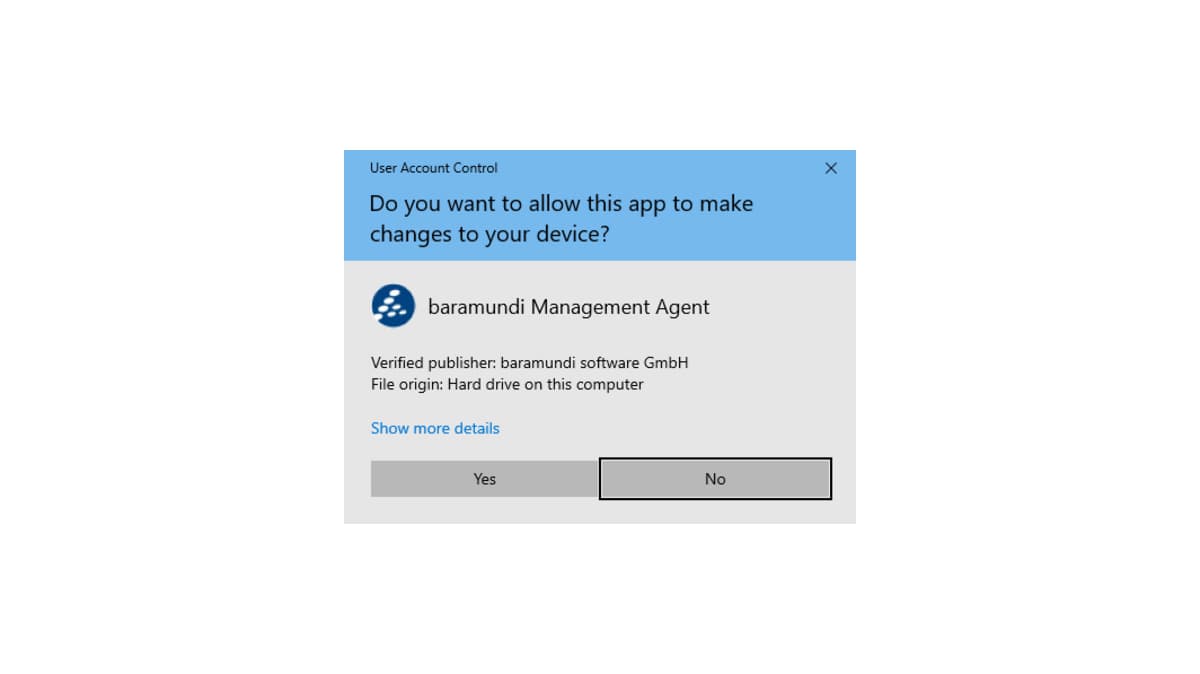
Start the installation by double-clicking on the downloaded file and confirm the security dialogue with „Yes“.
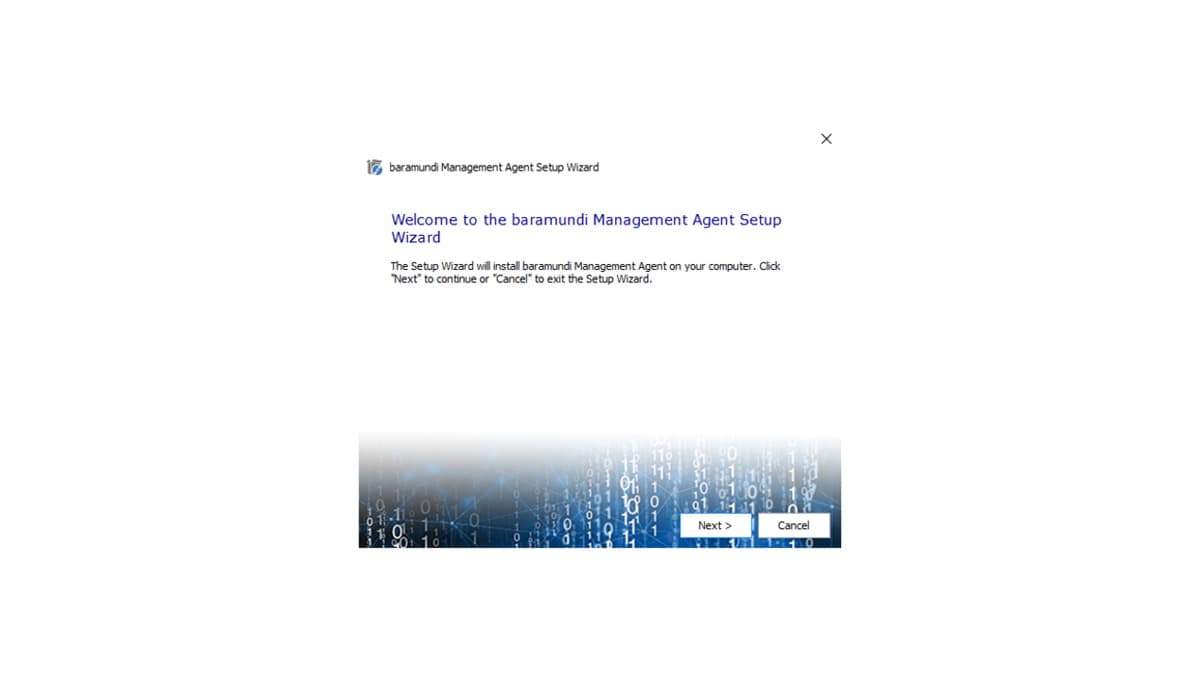
Set Up Assistent
Click on „Next“.
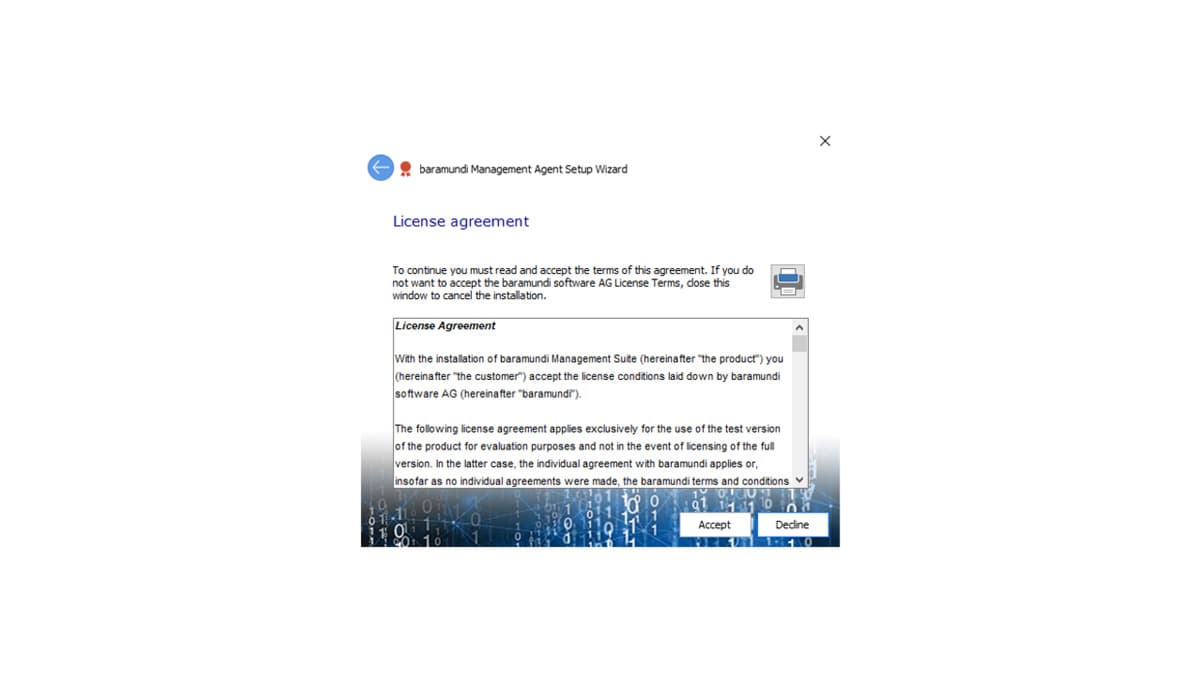
License Agreement
Accept the license agreement.
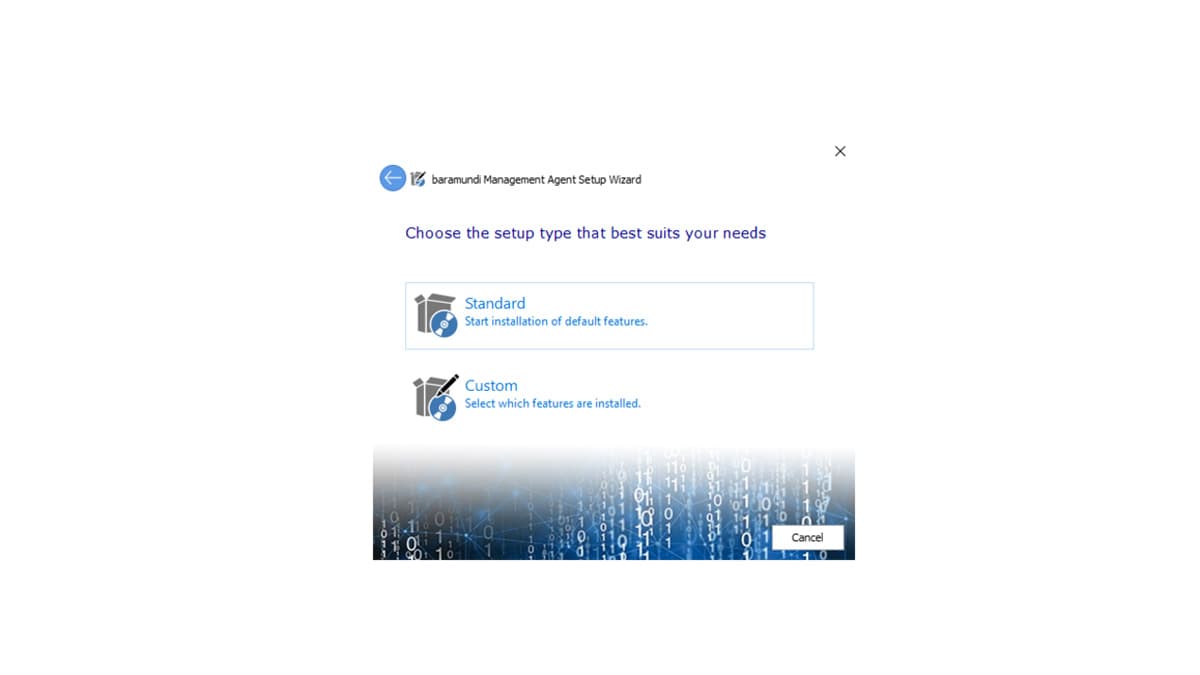
Setup Type
Select „Standard“ as setup type.
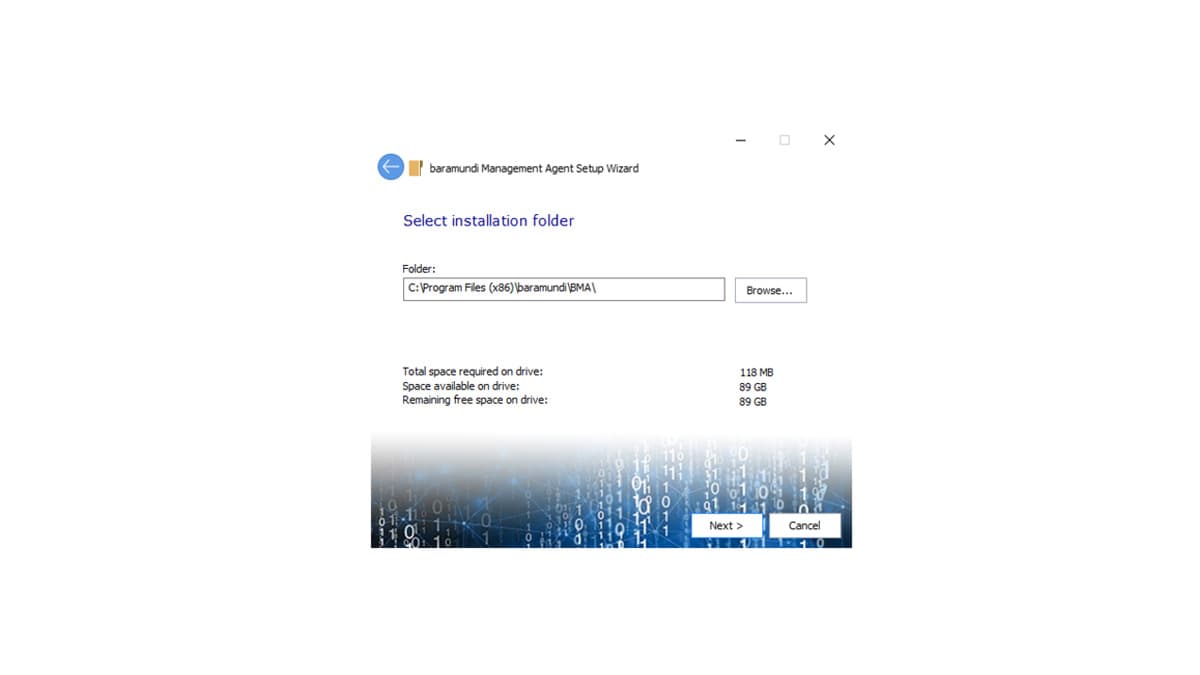
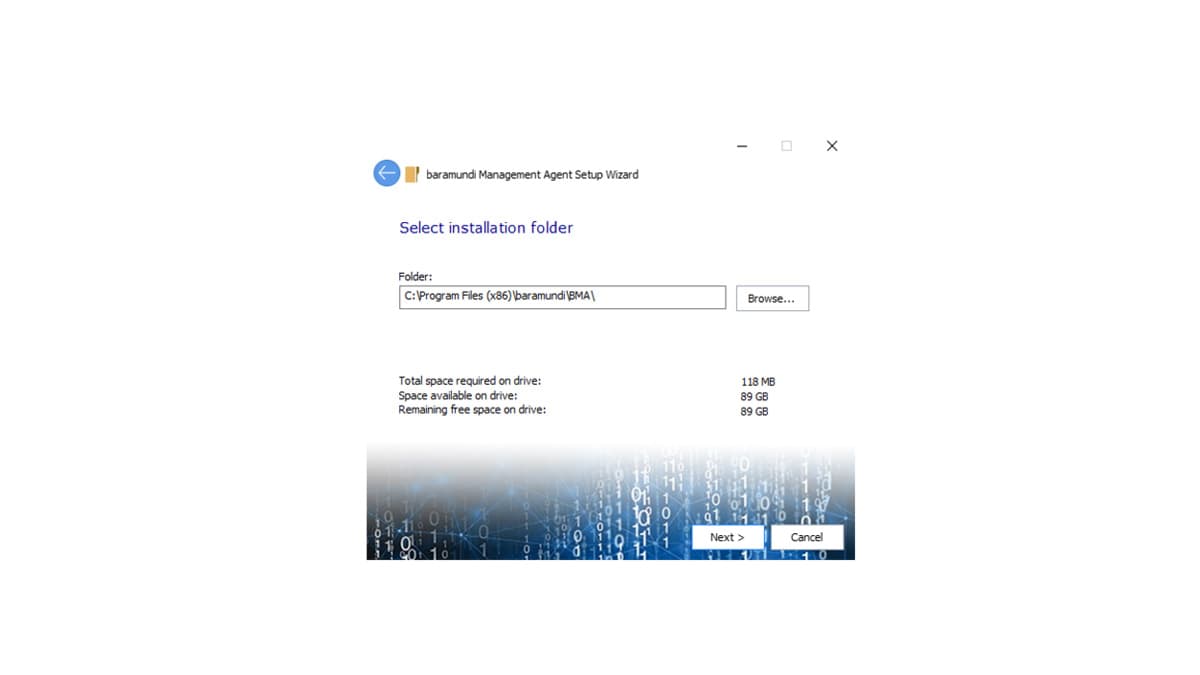
Installation Directory
Confirm the installation directory by clicking „Next“.
Installation Options
Select „Internet mode“ and click „Next“.
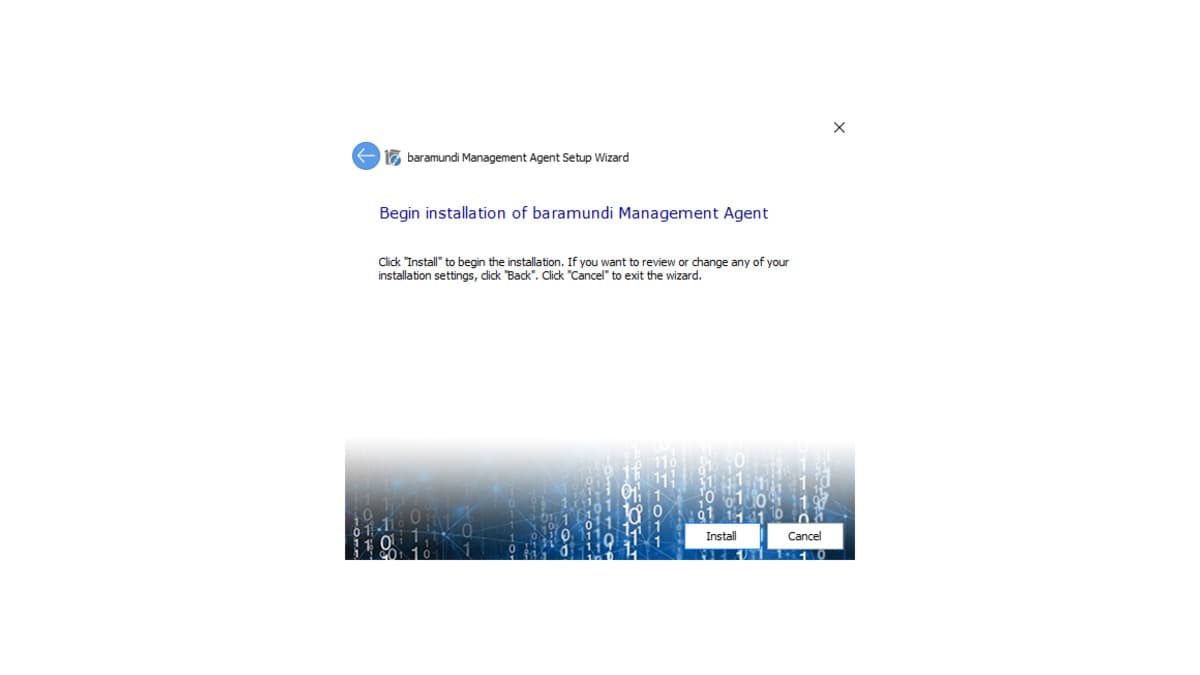
Installation Process
Start the installation process by clicking „Next“.
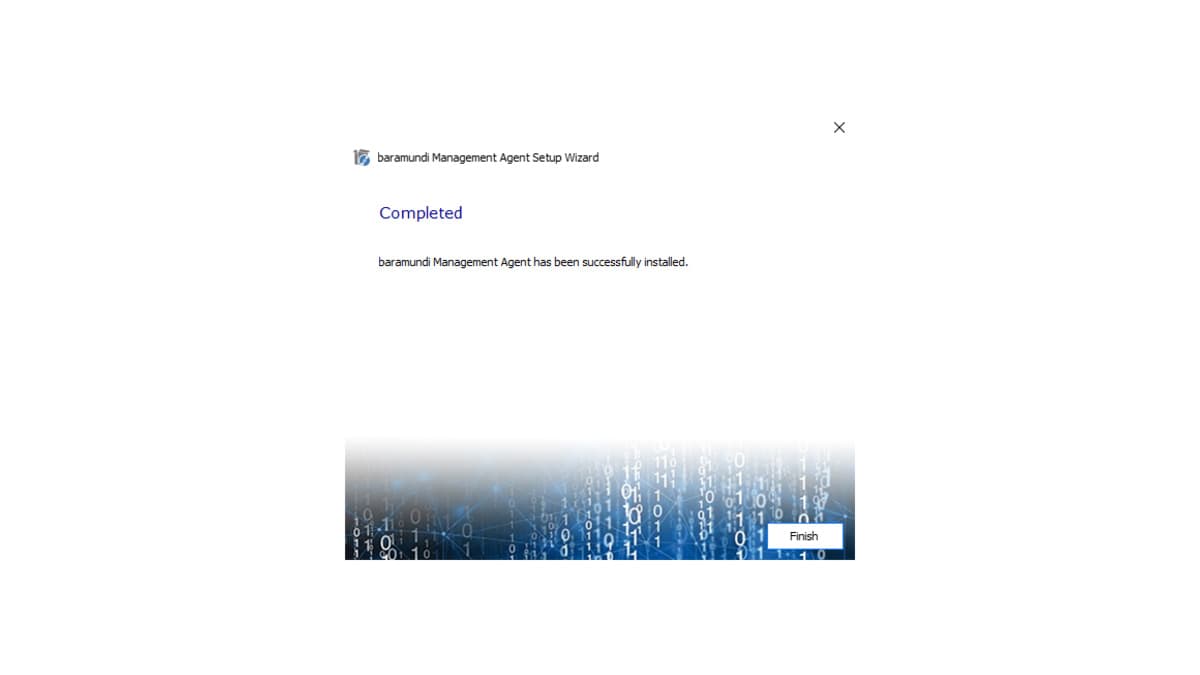
Complete Agent
When the installation is complete, click on „Finish“.
Configure the Connection to the Management Server
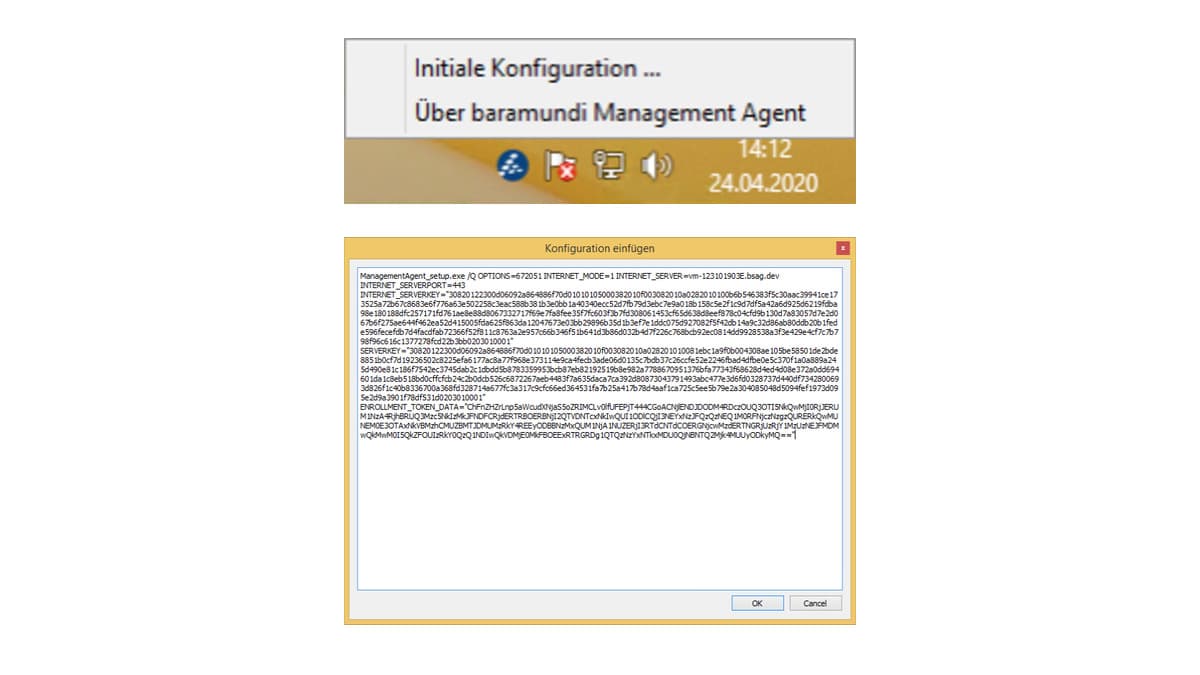
Right-click on the baramundi icon next to the clock and click in “Initial configuration”.
Insert the installation command from the e-mail and confirm the dialogue with “OK”.
1/9
1/9
Slide 1 of 9Management Agent ist ready to use
The Management Agent ist now securely connected to your company’s management server and can be managed through your administrator.